What is GitHub?
This question arises in many minds of programmer / developers who are reading this article..Am I Correct ?
New developers are always exited about this,So let’s start..
GitHub is a US-Based global company which provides hosting for software. Basically in simple language GitHub is a Web-based platform used for version control.It allows us to manage Git repositories.
GitHub, Inc. is currently owned by Microsoft and it is founded by developers Tom Preston-Werner,Chris Wanstrath,Scott chacon,P.J.Hyett in 2008.
Getting an knowledge about GitHub it is important to know first that what is a Git and What is a Repository in GitHub?
What is Git?
Git is a version control system that allows you to manage and keep track of your source code history.
It simplifies the process of working with other people and makes it easy to collaborate on projects.
It is started by Linux creator Linus Torvalds in 2005 with their developers.The purpose of Git is only that to manage source code,projects and set of files.
GitHub is popular in recent 5-6 years because increase in IT industries and necessity of sharing of source codes to one user to another user.The some interesting methods are attraction of GitHub.Some of them are Forking,Pull request,Merge.
- Forking:- Copying repository from one user’s account to another . This enables you to take a project that you don’t have write access to work on it .We can modify this project in our account.
- Pull request :- If you make changes you would like to share, you can send a notification to the original owner.
- Merge:- When you click Merge pull request option on a pull request on GitHub,all commits from the feature branch are added to the base branch in a merge commit.
Then the question strikes to mind that how to open account in GitHub.
1.Go to the Website
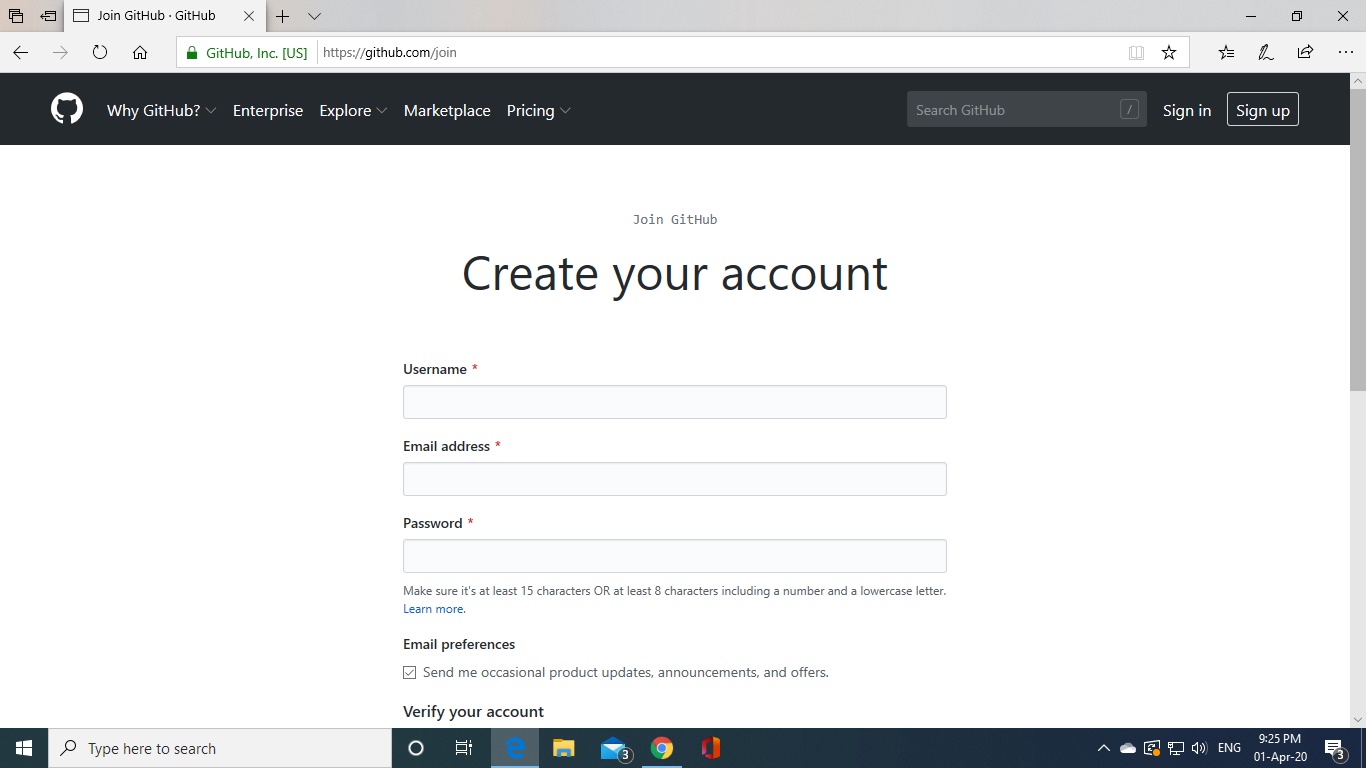
2.Fill your Details
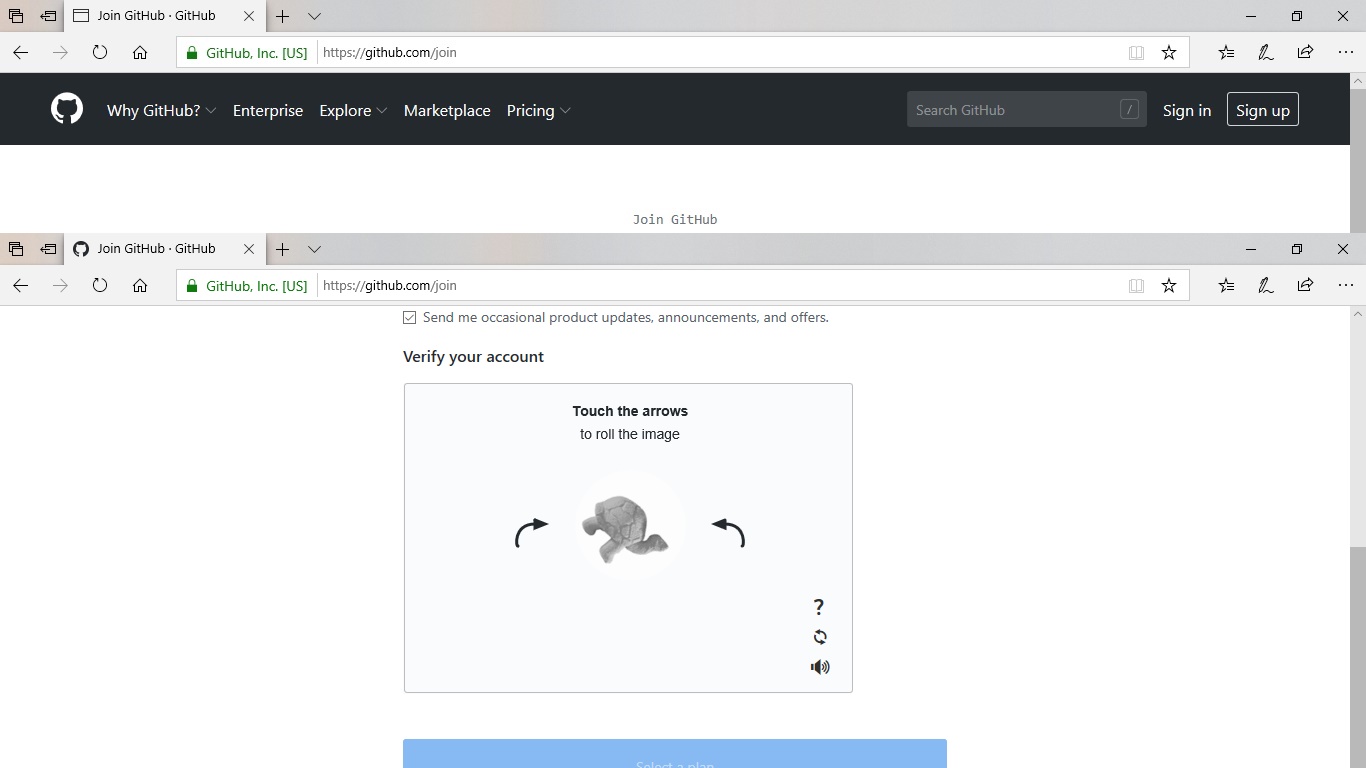
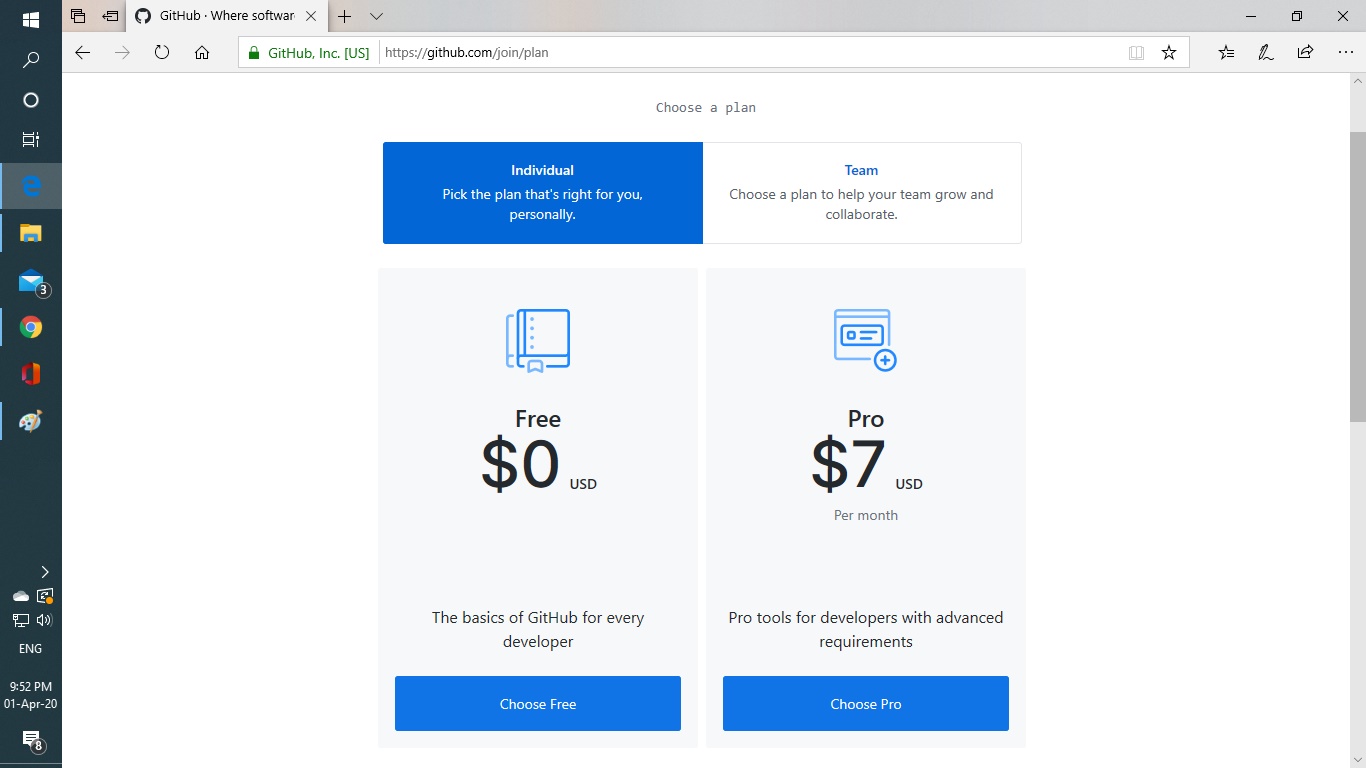
3.Select a Plan
 TechnologyWALA